
OCR API
Documents in. JSON out.
Send a PDF, a Word file or an image to one endpoint. Parsevix reads every page with OCR, masks personal data and returns the document's data as JSON, in your own fields or named with the document's own labels. Try it with the real documents in the demo.
- OCR built in, for scans and photos too
- Structured JSON, not raw text
- Synchronous, or by webhook
No credit card · 20 free pages every month
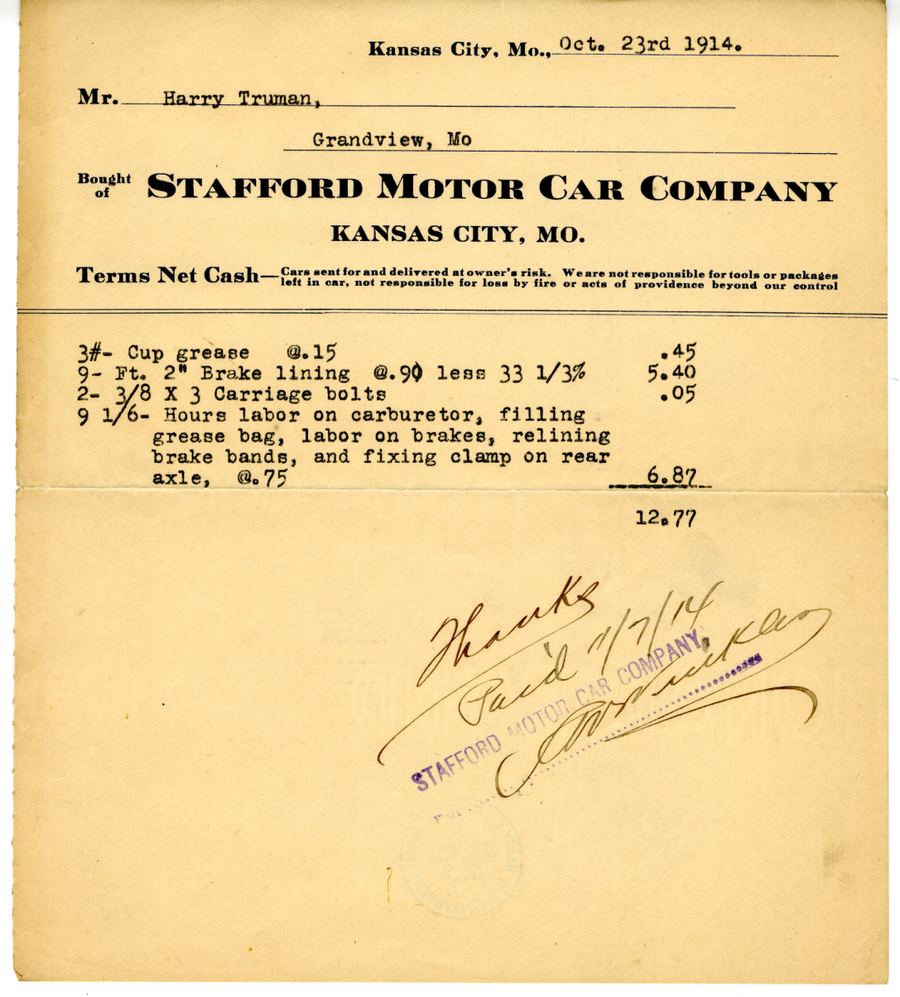
Nothing is uploaded: the demo replays the stored result.
The request and the response
One call, everything in the answer.
Dashboard
Try documents in the dashboard first: every result is shown next to its page, with each value marked where it was read.
E-mail address
Paid plansEvery project gets its own address. Documents forwarded to it are processed like any upload, and their results can reach you by webhook.
API
Send the file with your API key. The response is JSON: the document's fields, its language and its page count.
Request
curl https://parsevix.com/api/v1/extract-auto \
  -H "X-API-Key: $PARSEVIX_API_KEY" \
  -F file=@invoice.pdf
The request stays open until the document is read and answers with the JSON.
- POST /documentsUpload without waiting; the result arrives by webhook or callback.
- POST /extract-autoNo category: every field Parsevix finds, named as in the document.
- POST /classifyOnly the document's category, for 1 credit.
Response · trimmed
Built for developers
OCR and extraction in one call.
One request per document, one JSON response. This is what the API gives you.
OCR built in
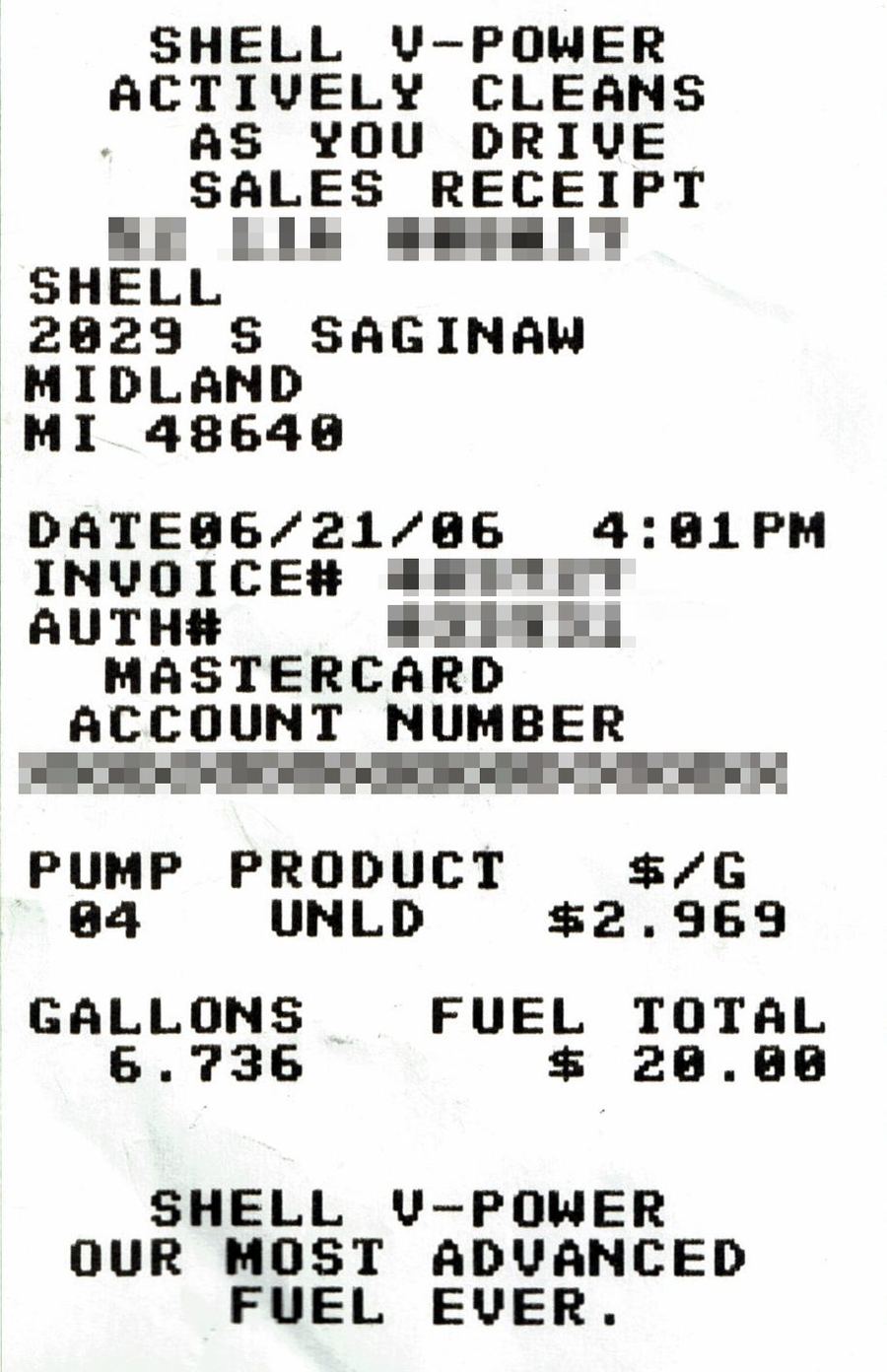
You don't need an OCR engine of your own. Parsevix renders every page and reads it, scans and phone photos included, turns pages that lie sideways or upside down upright and detects the language on every page. The fields are extracted from what was read, and you get JSON back.
- 02
Scripts it reads
Latin, Chinese and Japanese, and with dedicated models Cyrillic, Greek, Arabic, Korean, Devanagari, Thai, Tamil and Telugu. Hebrew, Armenian and Georgian are not read yet.
- 03
Synchronous by default
POST /api/v1/extract waits until the document is read and answers with the result. Up to 5 open requests per key and 30 pages per file.
- 04
Or asynchronous
POST /api/v1/documents answers at once; the result follows by signed webhook, by a callback URL or through Zapier.
- 05
Limits per plan
From 10 requests a minute per key on the free plan to 300 on Business. Every plan reads documents the same way.
- 06
One error shape
Every error is { "error": { "code", "message" } } with a stable, dotted code, so your code can tell a full quota from an unreadable file.
- 07
Files deleted after processing
Files sent through the API are deleted once the result is out, unless you turn on keeping them for the project.
Security & compliance
- PII maskedautomatically, before the AI step
- Encryptedin transit and at rest
- No AI trainingon your documents
- API files deletedafter processing
Priced per page, not per feature.
Every plan reads, sorts and masks documents the same way. Picking the category is included, and a document that fails costs nothing.
See pricing- credit per page
- 1
- free pages every month
- 20
- a month for 500 pages
- $39
OCR API FAQ
The OCR API,
answered.
What developers ask before their first request.
No. OCR is part of every request: Parsevix reads the pages itself and answers with the document's data as JSON, at one credit per page. There is no separate endpoint for raw text.
Documents in Latin, Cyrillic, Greek, Arabic, Chinese, Japanese and Korean script among others; the language is detected on every page. Hebrew, Armenian, Georgian, Bengali, Gujarati and Punjabi are not read yet.
Printed and typed text works best. Handwriting is read where it is clear; what can't be read is left out, not guessed.
A synchronous request waits up to 285 seconds, enough for 30 pages. A longer wait answers with a timeout; use the asynchronous upload with a webhook for big batches.
The API is plain HTTP with multipart uploads and JSON answers; the docs have ready samples for cURL, Python and Node.js, and Zapier connects it without code.
Files sent through the API are deleted after processing unless you turn on keeping them for the project. Your documents are never used to train AI.
Related use cases